The cPanel migration method is the quickest and easiest way to migrate your site with Transferito. Once you’ve entered your cPanel details, there’s one more choice to make before your migration starts: which domain to migrate to.
This guide shows you how to pick the right one. If you haven’t got your cPanel details yet, start with Finding your cPanel details.
Select your Bluehost cPanel domain
After you enter your cPanel details, Transferito shows the Select Domain for Migration screen.
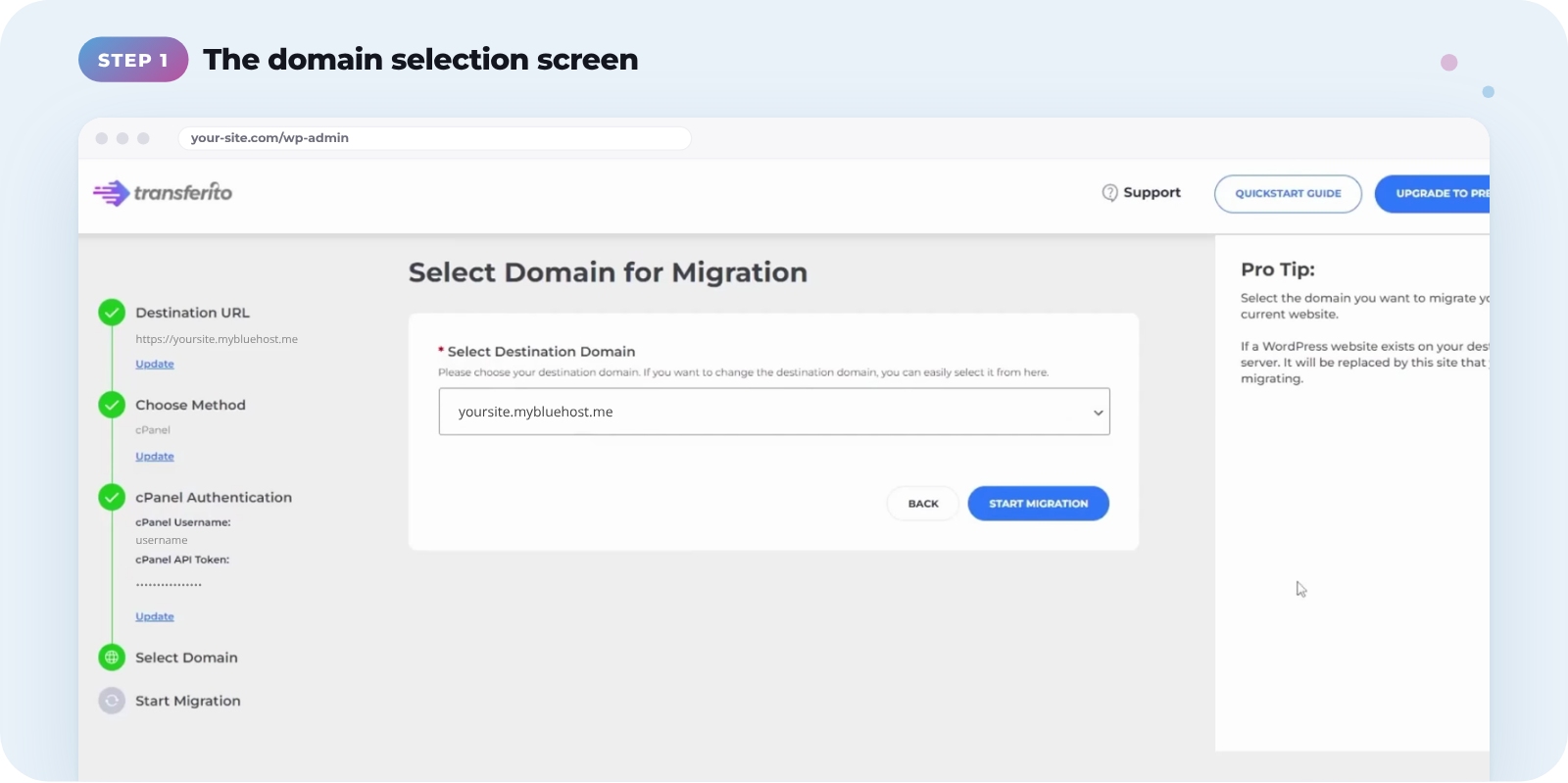
Open the Select Destination Domain dropdown and choose the domain you want to migrate your site to.
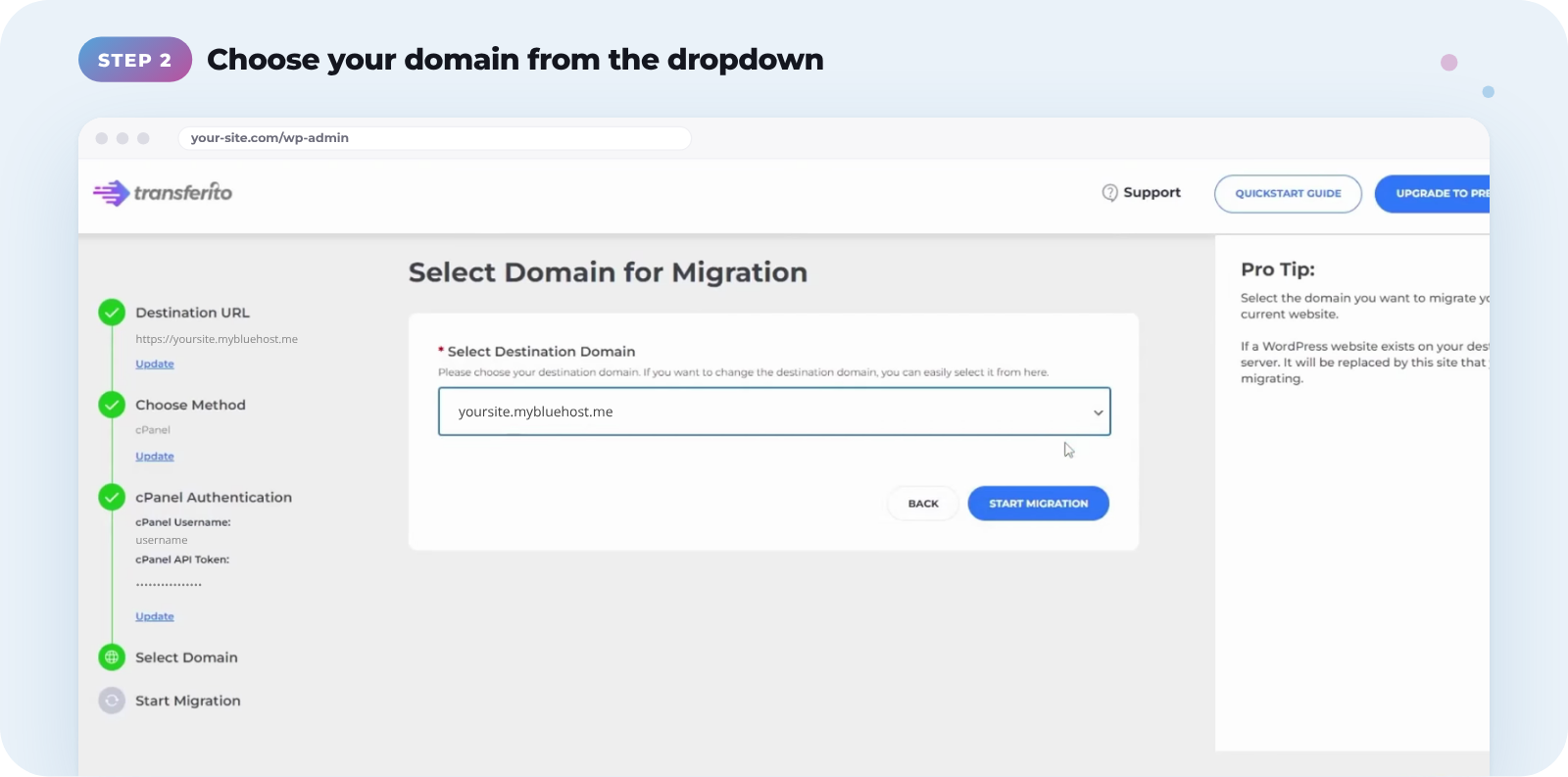
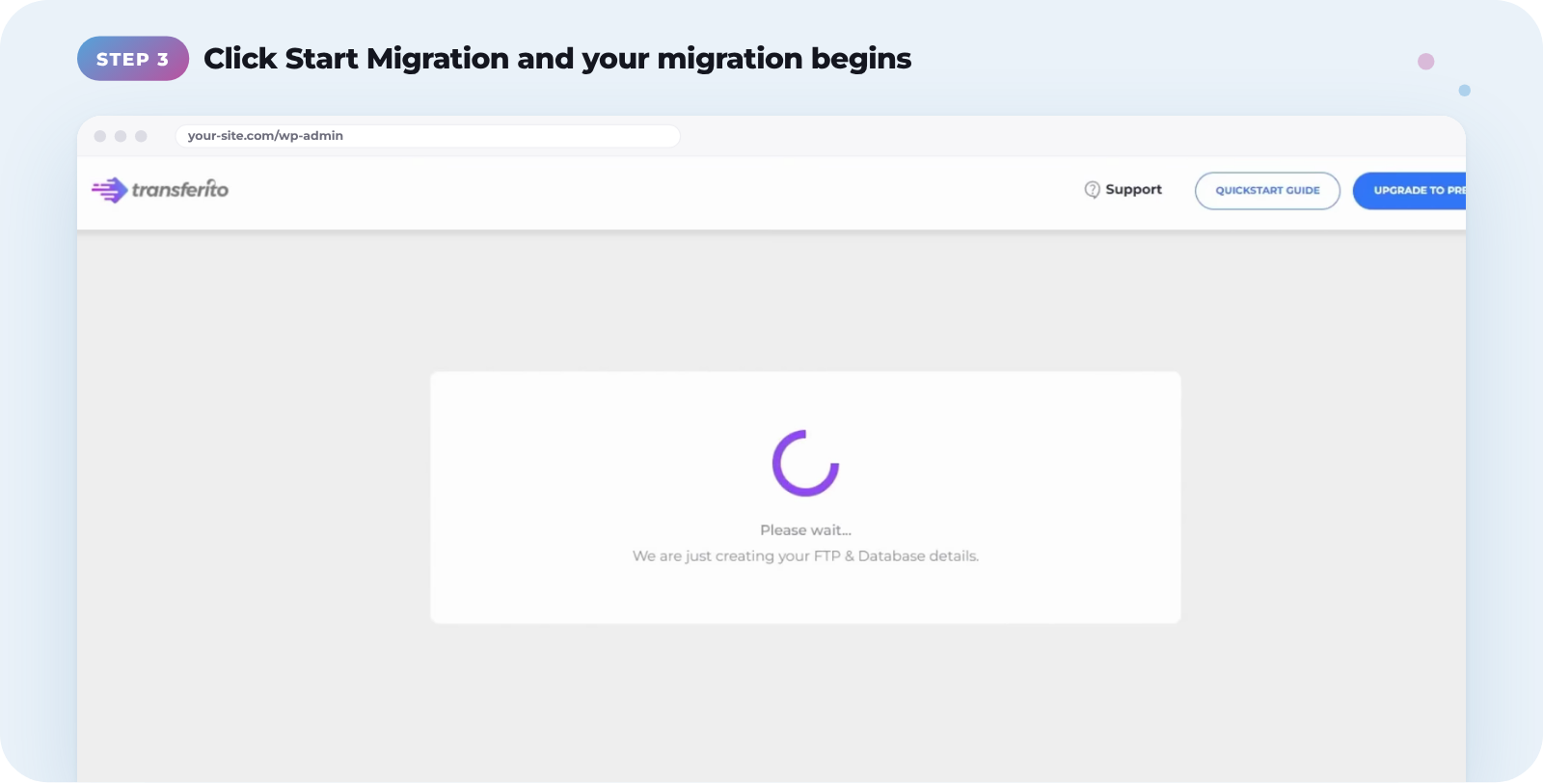
Once you’re sure you’ve chosen the right domain, click Start Migration. Transferito creates the FTP and database details it needs, then your migration begins.
Check the domain carefully. The dropdown lists every domain in your cPanel account, not just the one you’re migrating to. If a WordPress site already exists on the domain you choose, it will be replaced by the site you’re migrating.
Not sure which domain to pick? Choose the domain your new site will use. You can check your domains in Bluehost under Domains in the left-hand menu.
Watch the full video
This video walks through selecting your cPanel domain on Bluehost from start to finish.