
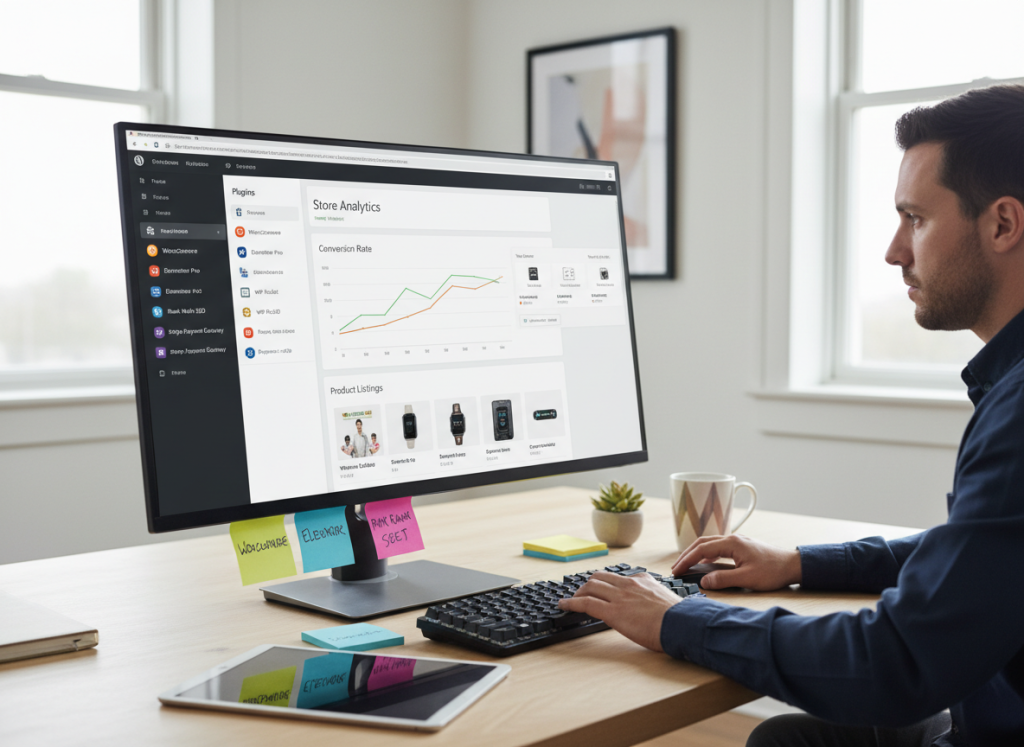
If you’ve ever tried to build an e-commerce store on WordPress without the right plugins… well, let’s just say you probably aged a few years in the process. WordPress is powerful — unbelievably powerful — but only if you equip it with the right tools. Otherwise, you’re basically trying to run a marathon with flip-flops and a backpack full of rocks.
After more than 20 years working with online stores of every shape and size, I can confidently say this: The difference between an e-commerce store that thrives and one that barely survives often comes down to plugin selection.
So today, I’m handing you the exact list of plugins professionals rely on — tools that speed up your site, increase conversions, automate workflows, and make selling online feel effortless.
1. WooCommerce — The Core Engine of Your Store
Link: https://woocommerce.com
WooCommerce powers more WordPress stores than anything else — for good reason. It’s free, flexible, and endlessly expandable. But pros know that WooCommerce is just the starting point. With the right add-ons, it becomes an enterprise-level machine.
2. Elementor — Build High‑Converting Pages Visually
Link: https://elementor.com
Elementor lets you design product pages, landing pages, and sales funnels without touching code. Pair it with the Hello Theme and you get unmatched design freedom with performance‑friendly templates.
3. CartFlows — Transform Your Checkout & Boost Conversions
Link: https://cartflows.com
WooCommerce’s default checkout is… how do I say this politely… functional, but not optimized. CartFlows gives you high‑converting checkout templates, order bumps, upsells, analytics, and funnel flows that actually make customers finish the purchase.
4. WP Rocket — Speed That Makes Your Store Feel Premium
Link: https://wp-rocket.me
WP Rocket is the gold standard for caching. Faster load times = better conversions. WP Rocket takes care of caching, minification, preloading, database cleanup, delay JS execution, and more — all with almost zero configuration.
5. Rank Math — SEO Superpowers for Product Pages
Link: https://rankmath.com
Rank Math helps your product pages actually show up in Google search results. It handles schema, metadata, sitemaps, internal linking suggestions, and advanced SEO analytics.
6. Stripe + PayPal for WooCommerce — Trusted, Reliable Payments
Stripe Link: Stripe Plugin
PayPal Link: PayPal Plugin
Payment trust is everything in e‑commerce. These plugins offer the most secure and seamless checkout experience possible.
7. FluentCRM — Enterprise‑Level Email Automation Inside WordPress
Link: https://fluentcrm.com
If you want to run automations like cart abandonment sequences, lead nurturing, post‑purchase flows, customer segmentation, and dynamic tagging — FluentCRM replaces expensive SaaS tools right inside your dashboard.
8. WooCommerce Product Add‑Ons Pro — Perfect for Customizable Products
Link: https://woocommerce.com/products/product-add-ons/
Let customers add text, images, customizations, upgrades, and more. If you sell personalized products, this plugin is basically mandatory.
9. WooCommerce Subscriptions — Build Recurring Revenue Easily
Link: https://woocommerce.com/products/woocommerce-subscriptions/
Subscriptions = predictable monthly income. Whether it’s physical goods, digital products, or memberships — this plugin handles renewals, proration, trials, and recurring billing flawlessly.
10. Smush Pro — Image Optimization on Autopilot
Link: https://wpmudev.com/project/smush-pro/
Images slow down 90% of stores. Smush Pro compresses images, lazy loads, autoscales, and optimizes your media library in one click. That’s a massive performance win.
Bonus Plugins Experts Use (But Hardly Ever Talk About)
Advanced Custom Fields (ACF)
Link: https://www.advancedcustomfields.com
MalCare Security
Link: https://malcare.com
BackupBuddy (Reliable Backups)
Link: https://ithemes.com/products/backupbuddy/
Asset CleanUp
Link: https://wordpress.org/plugins/wp-asset-clean-up/
How to Choose Plugins Without Breaking Your Store
Here’s the truth no one tells you: every plugin you install is another potential performance drag or compatibility risk. So choose carefully.
- Pick plugins from reputable developers
- Never install overlapping features
- Test everything in staging
- Regularly remove outdated plugins
- Monitor speed after each new plugin
The right stack of plugins will make your store faster, easier to manage, and more profitable.
Final Thoughts: Build a Store That Practically Runs Itself
You now have the complete list of e-commerce plugins that professionals use to build stores that feel effortless to run and even easier for customers to shop in. With the right tools powering your WordPress site, you can automate your workflows, boost conversions, reduce abandoned carts, and scale your business confidently.
Install smart, test everything, and watch your store transform.
Try out our official WordPress plugin at https://transferito.com