During a migration, Transferito downloads your WordPress backup, either straight from your live site or from Transferito’s secure servers. To keep the download fast and reliable, the backup isn’t sent in one go. It’s split into smaller pieces, called chunks, and downloaded one chunk at a time.
Why chunk size matters
Some destination servers limit how much data they’ll accept in a single request. If each chunk is bigger than that limit, the server rejects it and the migration can fail.
LARGER CHUNKS
Fewer requests
Fewer, bigger downloads. Works well on servers with generous limits.
SMALLER CHUNKS
More reliable on strict servers
More, smaller downloads that stay under tighter server limits.
You don’t have to change this. If you leave it alone, Transferito uses its default chunk size, which works for most servers.
Change the download chunk size
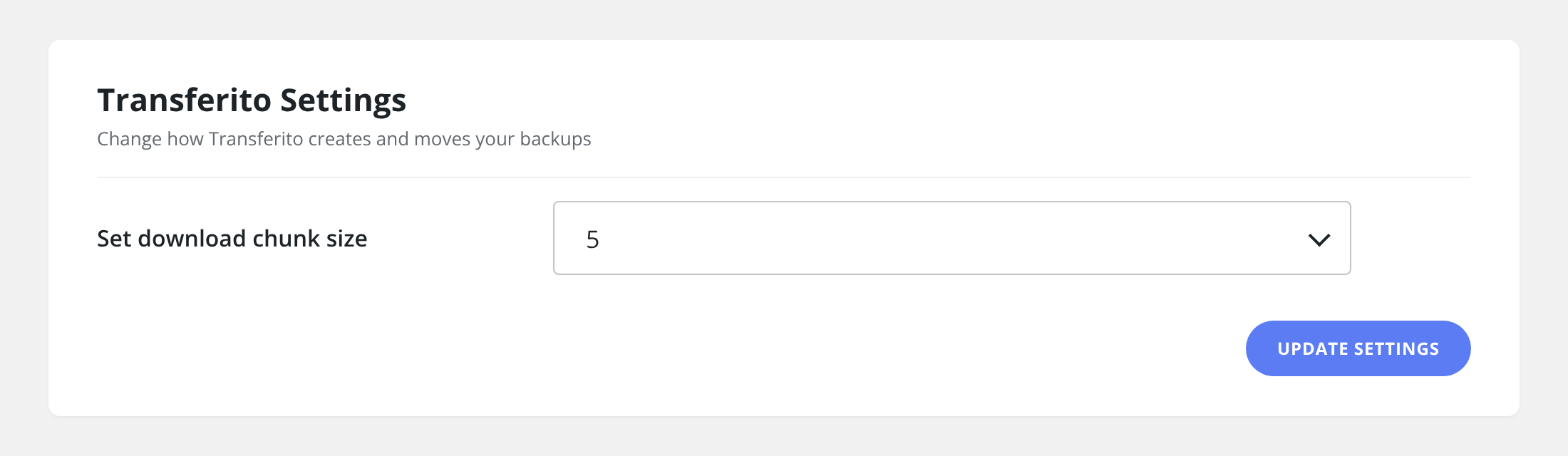
In your WordPress dashboard, open Transferito and go to Settings.
Find Set download chunk size and choose a size from the dropdown.
Click Update Settings to save it.
Tip: If a migration fails while downloading your backup, try a smaller chunk size and run the migration again.