MalCare is a popular WordPress security plugin. Its WAF (web application firewall) checks requests coming into your site and blocks anything that looks suspicious, which helps keep your site safe.
What does this setting do?
Because the firewall inspects incoming requests, its configuration can sometimes block or interrupt the requests Transferito makes during a migration. This setting temporarily disables the MalCare WAF plugin, so your migration can finish without being blocked.
AFFECTED
Your destination site
The plugin is only disabled on the server you’re migrating to.
NOT AFFECTED
Your live site
Your live site’s plugins and settings stay exactly as they are.
Turn the setting on
In your WordPress dashboard, open Transferito and go to Settings.
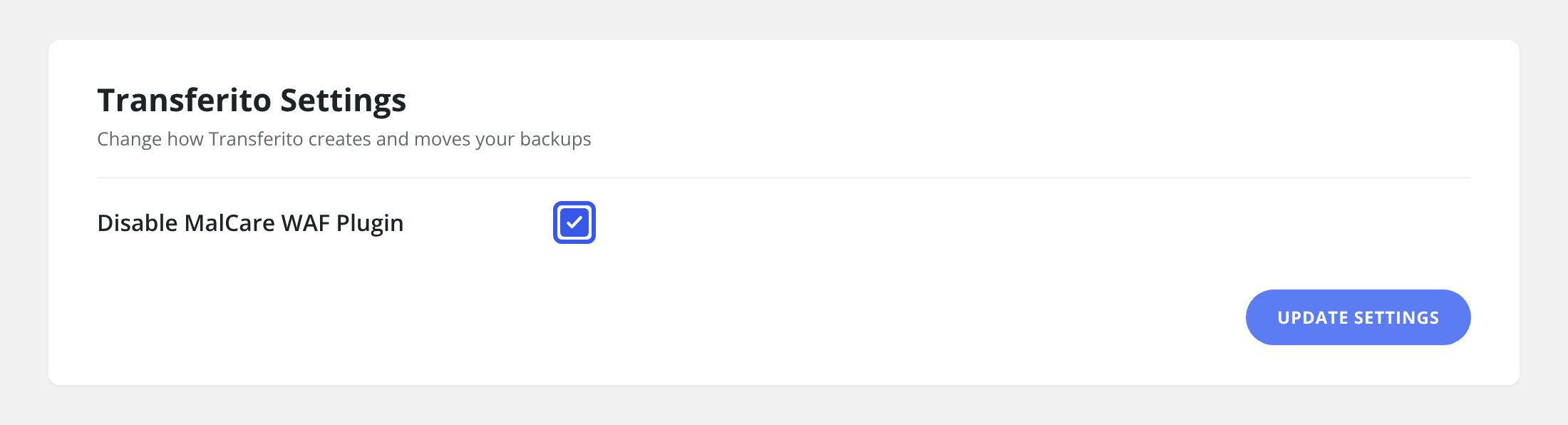
Tick Disable MalCare WAF Plugin.
Click Update Settings at the bottom of the page to save it.
When to use it: turn this on if your site uses MalCare and a migration is blocked or stops part-way through.