When you open the Transferito plugin, it starts with a welcome screen. It introduces the plugin and points you to help and information to get you started with your first migration.
Once you know your way around, you may not need it every time. This setting hides the welcome screen, so it’s never shown when the plugin loads and you go straight to the plugin itself.
SETTING OFF
Show the welcome screen
Helpful when you’re new to Transferito, or when other people on your team use the plugin.
SETTING ON
Go straight to the plugin
Skips the start-up and help screen for a quicker start when you migrate often.
Nothing else changes. Hiding the welcome screen doesn’t affect your migrations or any other settings. You can show it again at any time by unticking the setting.
Turn the setting on
In your WordPress dashboard, open Transferito and go to Settings.
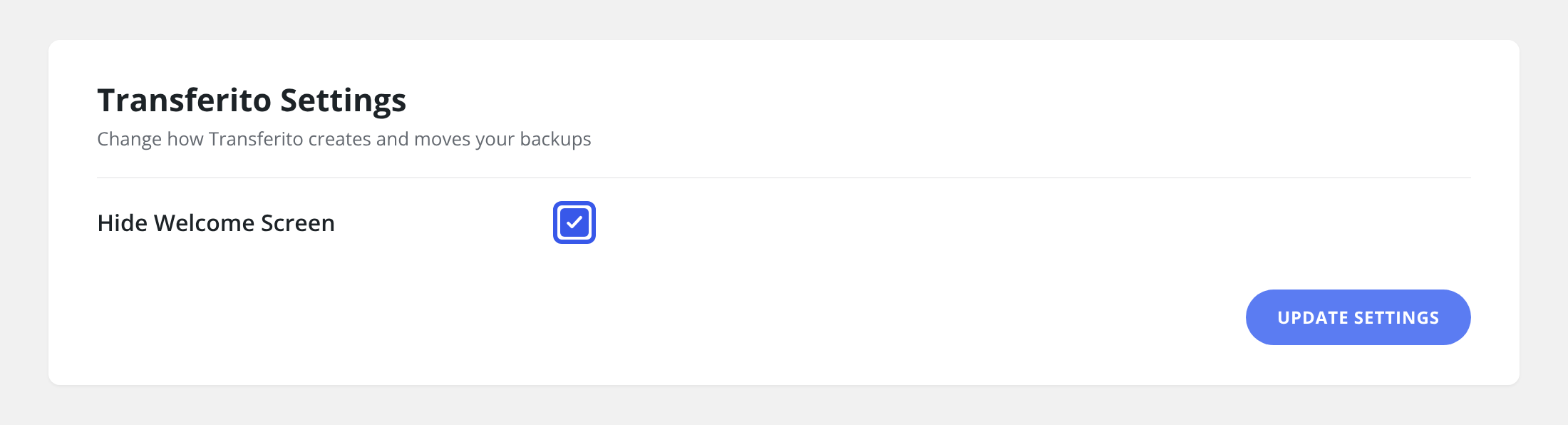
Tick Hide Welcome Screen.
Click Update Settings at the bottom of the page to save it.
Still need help? With the welcome screen hidden, you can still find every guide in the Knowledge Base.