Your WordPress content, such as posts, pages, users and settings, is stored in a MySQL database. When Transferito migrates your site, it imports that database on your destination server. This setting tells Transferito to use the destination server’s default database configuration for that import.
Why would I need this setting?
MySQL databases have a property called collation. It controls how text is stored, sorted and compared, including which characters and languages are supported. Collation, and database configuration in general, can be different from one server or hosting provider to the next.
When the configuration on your live site doesn’t match your destination server, the import can run into problems:
MISMATCHED CHARACTERS
Broken text
Characters such as accents, symbols or emoji show up wrong, or as question marks.
FAILED IMPORT
Migration errors
The destination server doesn’t support the configuration, so the database import fails.
Most migrations don’t need this. Leave it off unless a migration fails while importing your database, or your text looks wrong on the new site.
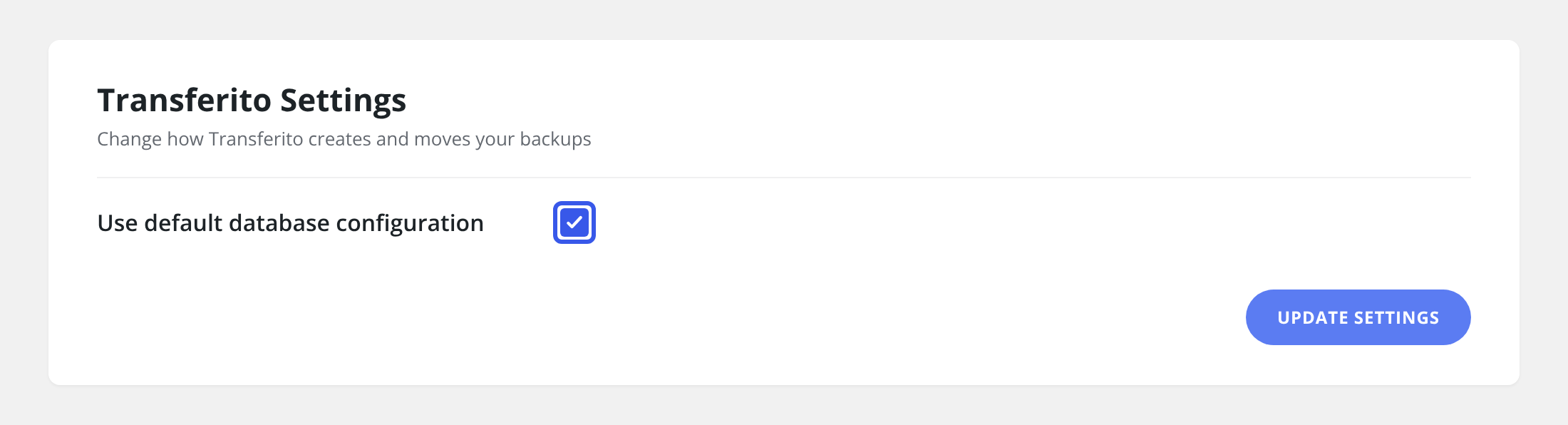
Turn the setting on
In your WordPress dashboard, open Transferito and go to Settings.
Tick Use default database configuration.
Click Update Settings at the bottom of the page to save it.
Tip: after turning this on, run the migration again and check a few pages with special characters on the new site.