When Transferito creates a backup of your WordPress site, it packs every file into a single archive. By default that archive is a ZIP file. This setting switches the format to TAR instead.
Why switch to TAR?
ZIP works well for most sites, but it has limits. Some hosting providers and servers cap how large a ZIP file can be, and that cap is lower on some hosts than others. On a larger WordPress site, the backup can hit that limit and the migration can stall or fail.
Using TAR as the default format avoids that limit, which makes migrations smoother, especially for bigger sites.
DEFAULT
ZIP
Used for every backup unless you change this setting. Fine for most sites.
WITH THIS SETTING
TAR
Avoids the smaller ZIP size limits some hosts enforce. Best for larger sites.
Turn the setting on
In your WordPress dashboard, open Transferito and go to Settings.
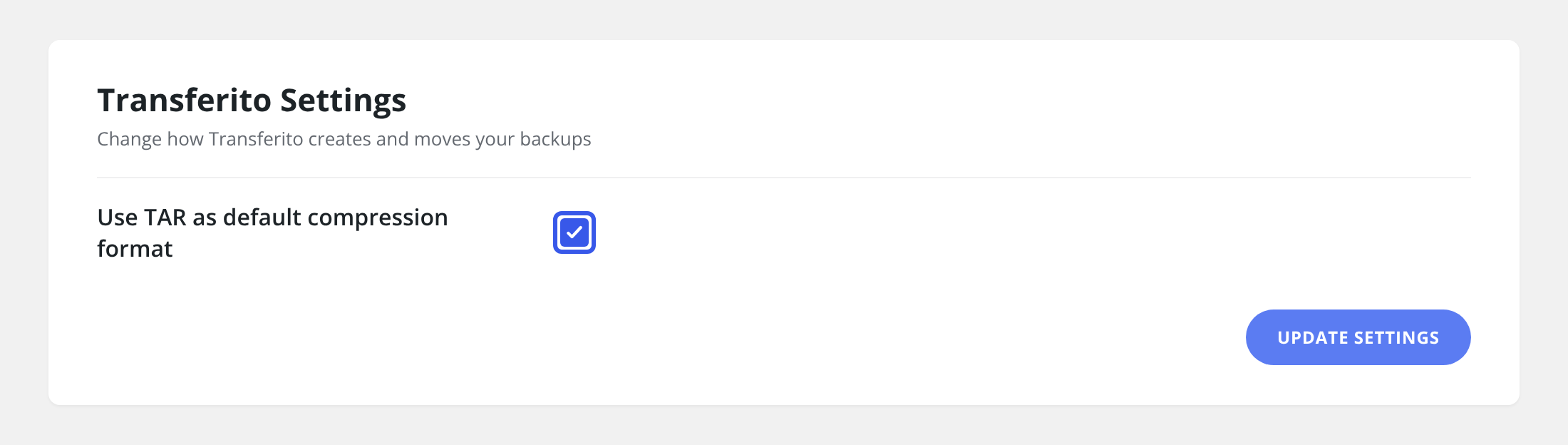
Tick Use TAR as default compression format. Your backups will now be created as TAR files.
Click Update Settings at the bottom of the page to save it.
When to use it: if a migration of a large site fails while the backup is being created or moved, turn this on and try again.