The .htaccess file sits in the root folder of your WordPress site and changes how your server behaves. It holds rules for things like permalinks, redirects, caching and security. This setting decides whether that file is moved to your destination site as part of the migration.
What .htaccess does
COMMON RULES
Permalinks and redirects
WordPress uses it to make your page and post links work, and you may have added your own redirects.
PLUGIN RULES
Caching and security
Caching, security and firewall plugins often add their own rules to the file.
Should you include it?
Turn this setting on if you want your destination site to keep the same server rules as your live site, for example custom redirects or rules your plugins rely on.
Leave it off if you’re moving to a different host or server setup. Some rules are written for one particular server and can stop a site loading on another. WordPress can create a fresh, standard .htaccess file for you on the new server.
Check after migrating. If your site shows a server error or your links stop working after a migration with this setting on, a rule in the copied .htaccess file may not suit the new server.
Turn the setting on
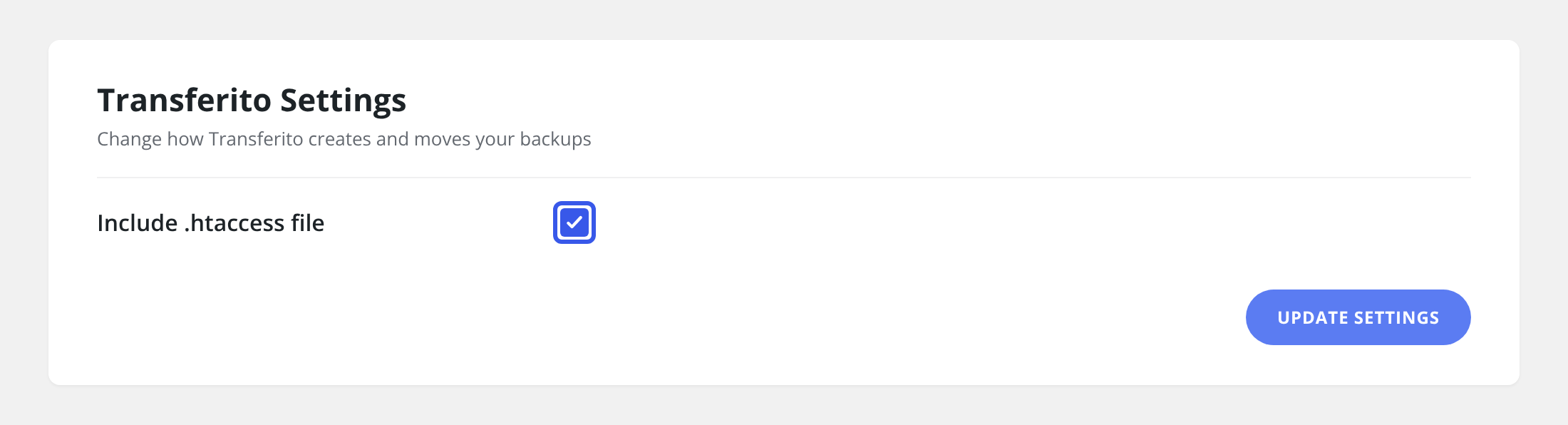
In your WordPress dashboard, open Transferito and go to Settings.
Tick Include .htaccess file.
Click Update Settings at the bottom of the page to save it.
Tip: if your links stop working on the new site, go to Settings › Permalinks in WordPress and click Save Changes. This rebuilds the standard WordPress rules.