To create your backup quickly, Transferito normally uses a built-in PHP function called exec. It lets Transferito hand the heavy work of packing up your site to the server itself, which makes migrations faster and smoother.
Why would I need this?
Some hosting providers turn off exec by default for security reasons. Some let you turn it back on in your hosting control panel; others don’t allow it at all.
If your host has disabled exec and you can’t enable it, this setting lets you still migrate your live WordPress site. Transferito creates the backup without exec and carries on with the migration as normal.
SETTING OFF
Uses exec
The fastest way to create your backup, on hosts that allow it.
SETTING ON
Skips exec
Creates the backup another way, so migrations work on hosts that block exec.
Only turn this on if you need it. If your host allows exec, leave this setting off for the fastest backups.
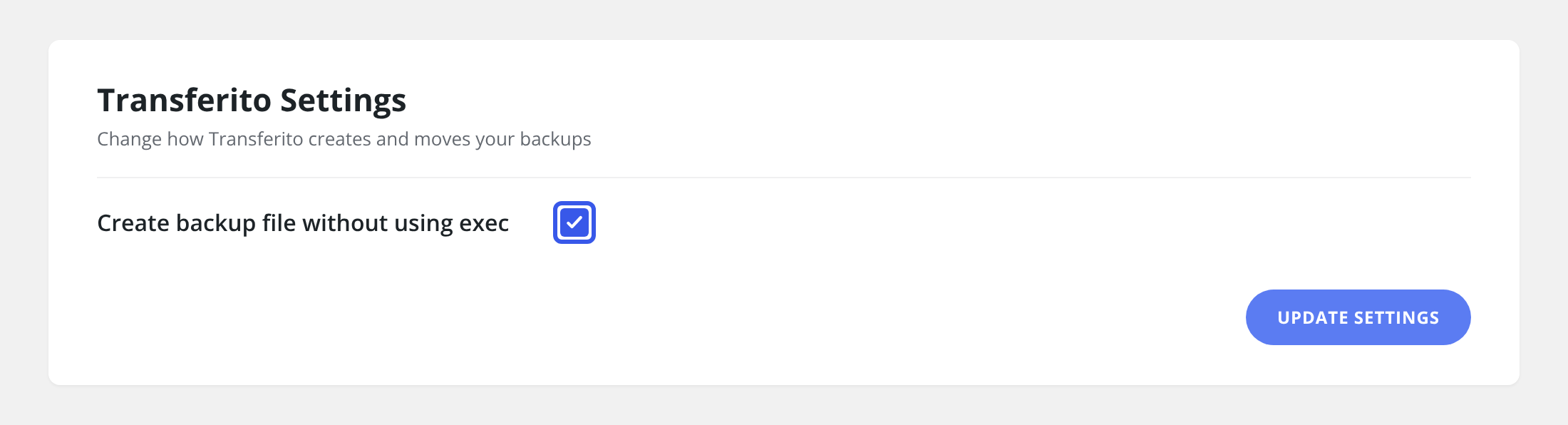
Turn the setting on
In your WordPress dashboard, open Transferito and go to Settings.
Tick Create backup file without using exec.
Click Update Settings at the bottom of the page to save it.
Not sure if exec is disabled? Ask your hosting provider, or check whether they let you enable it before turning this setting on.