Before Transferito can migrate to a new server, it needs to know you own it. To prove this, you upload a small verification file to the root folder of your destination site. You can see how in the Deploy guide.
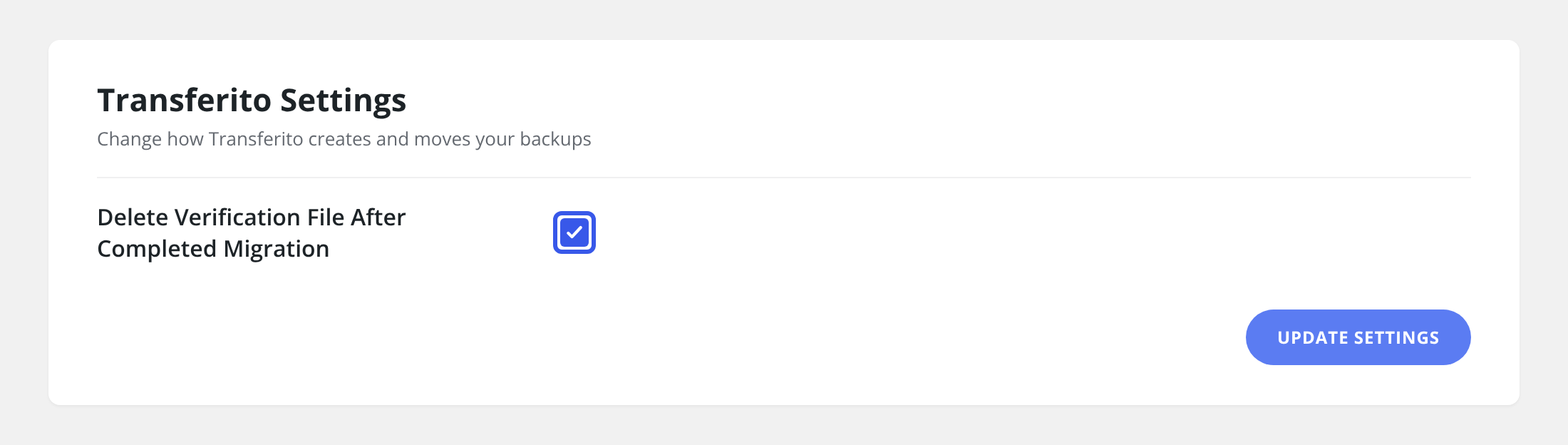
This setting decides what happens to that file once your migration has finished.
Should you delete it or keep it?
SETTING ON
Delete it
Transferito removes the verification file once the migration is complete, so it leaves no trace on your destination server.
SETTING OFF
Keep it
The file stays on the server, so the site stays connected and is ready for the next migration without verifying again.
Turn this setting on for one-off moves, when you want your new server left clean. Leave it off if you migrate to the same site regularly, for example when you keep pushing updates from staging to live, so you don’t have to upload a new verification file every time.
The file is only removed after the migration is complete. Never delete the verification file yourself while a migration is in progress, or the migration will fail.
Turn the setting on
In your WordPress dashboard, open Transferito and go to Settings.
Tick Delete Verification File After Completed Migration.
Click Update Settings at the bottom of the page to save it.